Mac
- A Mac with an Apple chip (M1 or later). Intel Macs cannot run it.
- macOS 12 (Monterey) or newer.
- About 4 GB of free disk space.
Sign in with your Terraformation Google account to download.
Signed in.
Sign in with your Terraformation Google account to download.
Signed in.
The Windows version of this build is not out yet. Check again later.
Sign in with your Terraformation Google account to download.
Signed in.
Send your Apple ID email to Yishan on Slack or by email.
Send the Google account email on your phone to Yishan on Slack or by email.
Send your Apple ID email to Yishan on Slack or by email.
Send the Google account email on your tablet to Yishan on Slack or by email.
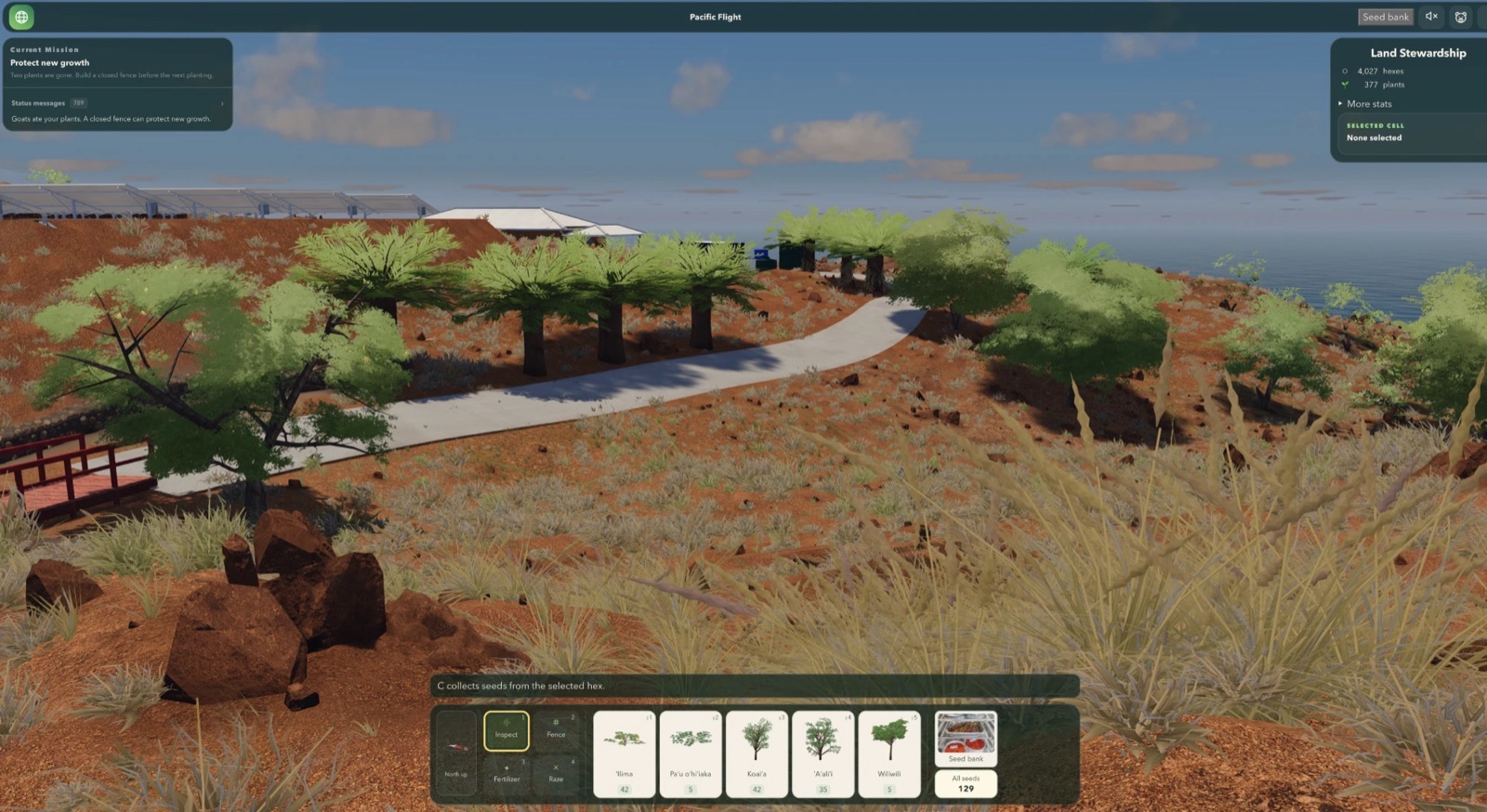
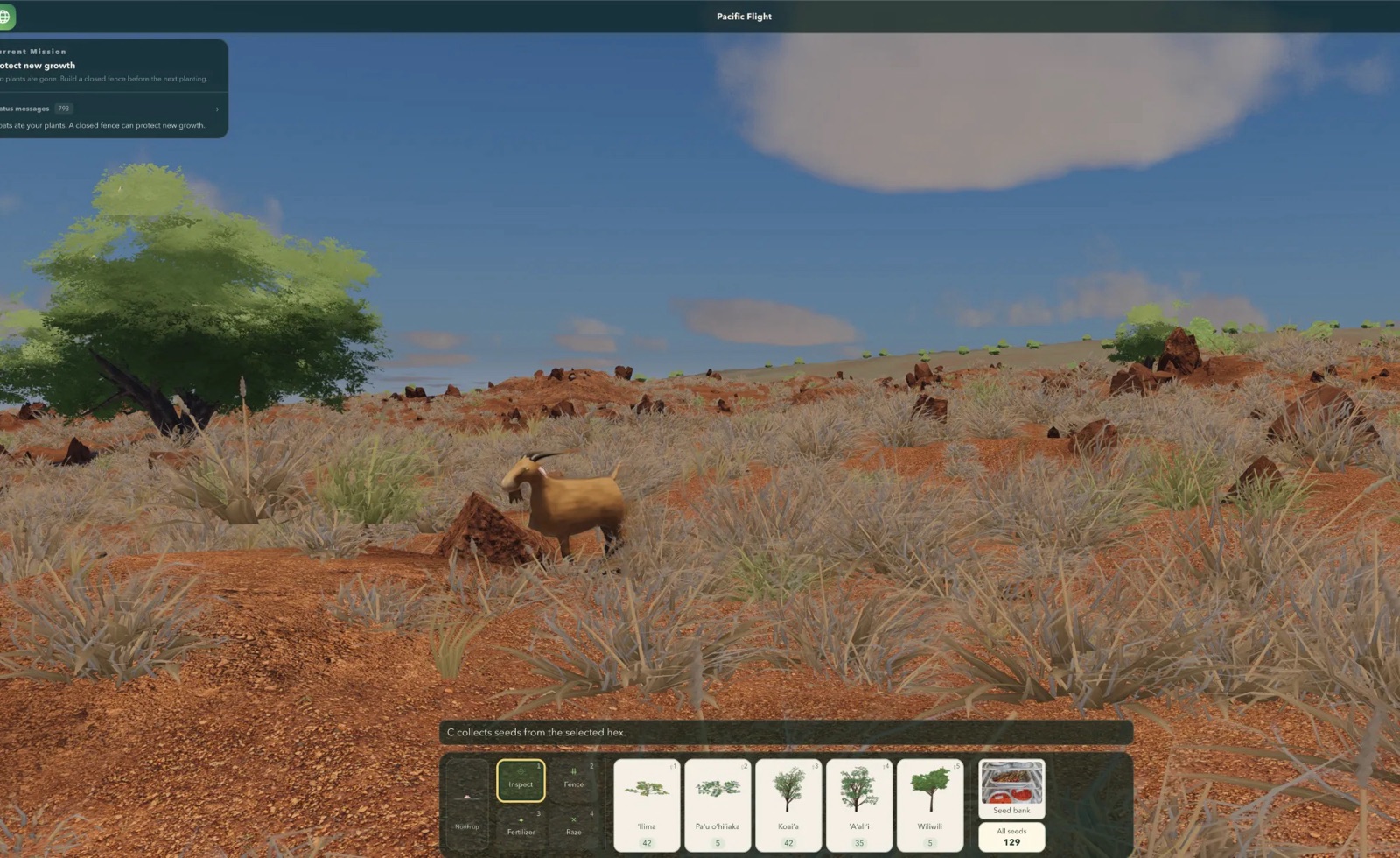
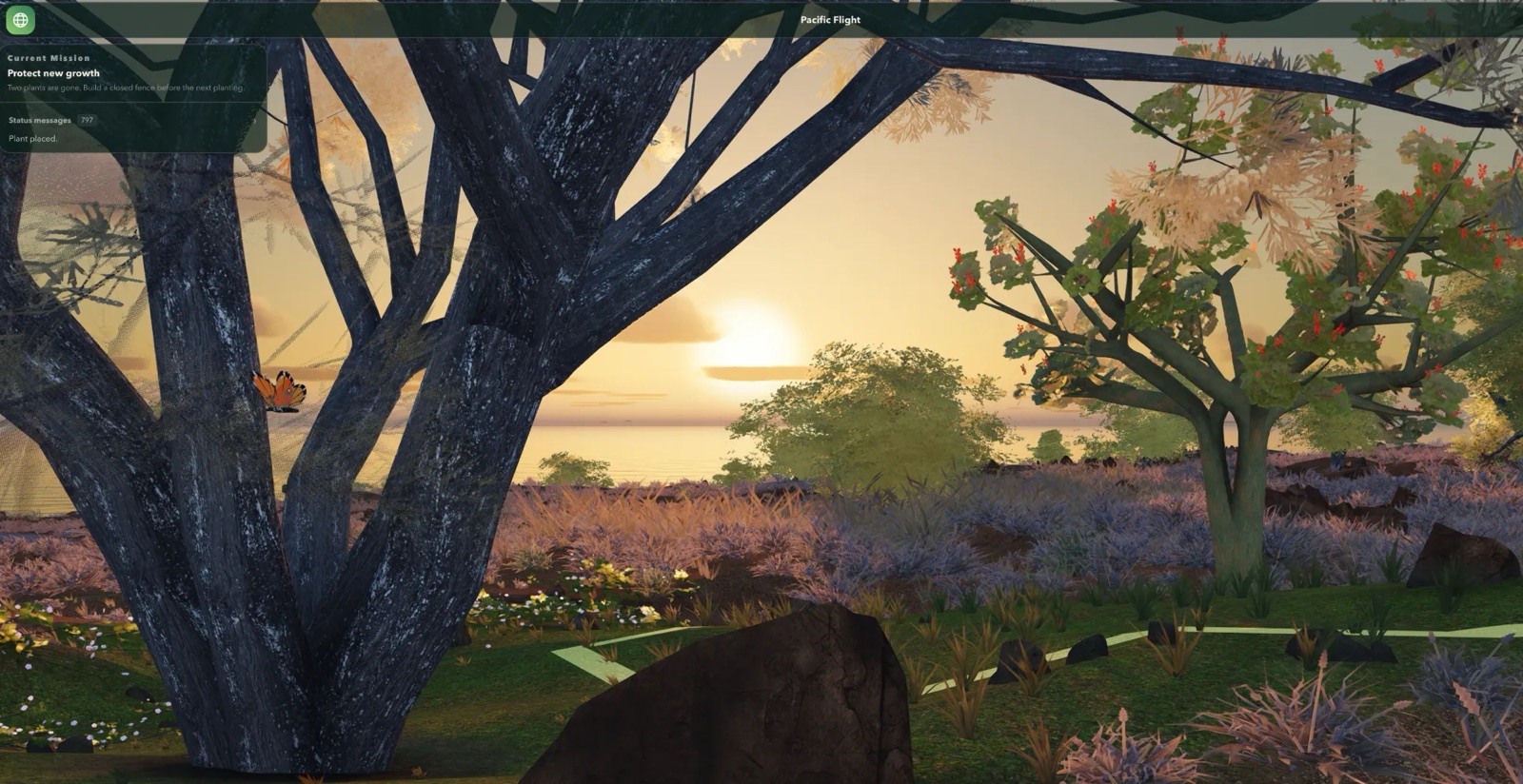
A restoration game set at real Terraformation project sites in Hawaiʻi. Explore the globe, plant native species, build fences against goats, collect seeds, and manage a seed bank.
This is the internal development build for Mac and Windows. It changes often and can have bugs.
The phone and tablet versions are not out yet. When they are, we invite everyone who sent their email.
Loading the build details…
xattr -dr com.apple.quarantine ~/Downloads/Terraformation-Dev
Double-click Terraformation in the Terraformation-Dev folder. The game opens after a few seconds. It runs its own small world server in the background. The server will stop whenever you quit the game.
We save your world in ~/Library/Application Support/Terraformation Dev.
To start over, quit the game and move the folder to the Trash.
To open that folder in Finder, choose Go › Go to Folder…, then paste
~/Library/Application Support/Terraformation Dev.
World data is stored elsewhere, so it will persist across updates.
Open the folder you extracted, then the Terraformation-Windows folder in it, and double-click Terraformation (Terraformation.exe). A small window says that Terraformation is starting while the world loads; the first start after an update can take a minute. It runs its own small world server in the background. The server will stop whenever you quit the game.
If Windows says “Windows protected your PC”, choose More info, then Run anyway. Terraformation is signed by its publisher, Yishan Wong, but Windows shows this for new programs until enough PCs have run them. If a security warning asks whether to run the file, choose Run.
We save your world in %LOCALAPPDATA%\Terraformation Dev. To open that folder, press
Windows+R, paste the path, and press Enter. To start over, quit the game and delete the
world folder there.
World data is stored elsewhere, so it will persist across updates.
node in the search box at the top right.node row and open the Open Files and Ports tab.
The game’s server shows Terraformation in its file paths.~/Library/Logs/Terraformation Dev. Send them to the project lead.
To open that folder in Finder, choose Go › Go to Folder…, then paste the path.%LOCALAPPDATA%\Terraformation Dev\Logs. Send them to the
project lead.